

Sending an event
1
Creating an account
First things first, get signed in and create your team.
2
Creating an app
In Sailhouse, apps are the logical separators for your topics. This could be environments, projects or both!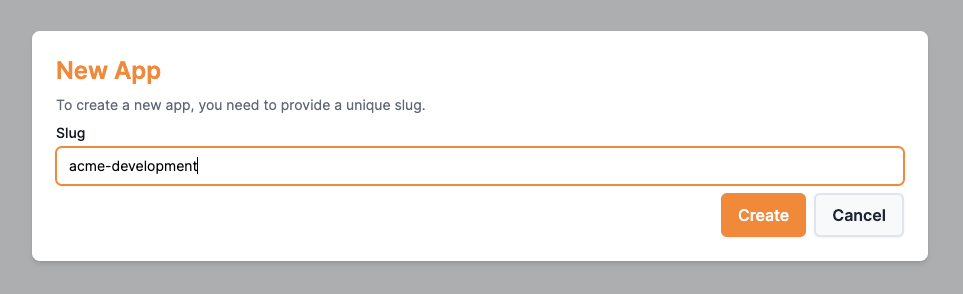
3
Create a token
To send an event to an application, we need a token to pass into our SDK.Go to your new app > Settings > Create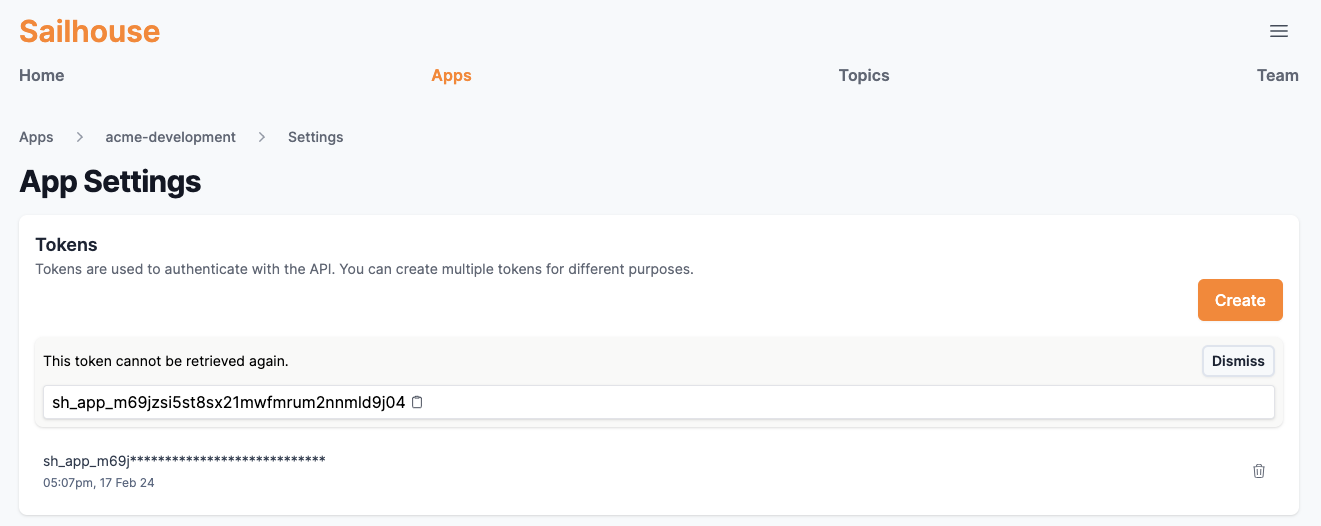
4
Start sending events
- Go
- TypeScript / JavaScript
First, adding the SDK packageThen, a basic example which reads the token from an environment variable
Adding the package
SAILHOUSE_TOKEN.main.go
Next steps
Install the CLI
Do everything you need from your terminal with the Sailhouse CLI
Learn how to handle push events
You’ve sent an event, now see how you can handle them.